
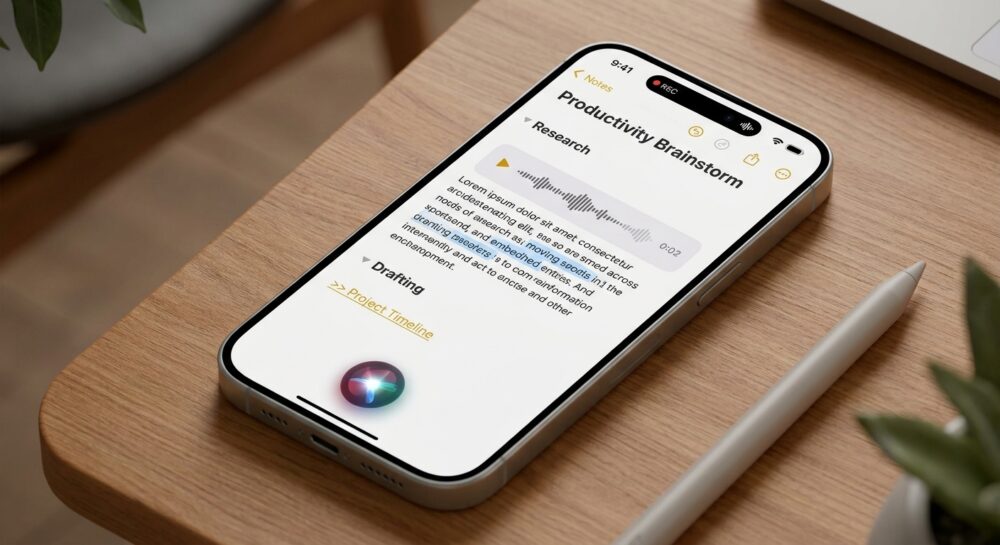

Direct Answer
Apple Notes AI capabilities allow users to transform standard text entries into an intelligent productivity hub by integrating direct audio capture, live speech-to-text, AI-generated summaries, collapsible sections, cross-note linking, document scanning, password protection, and fast cross-device search.
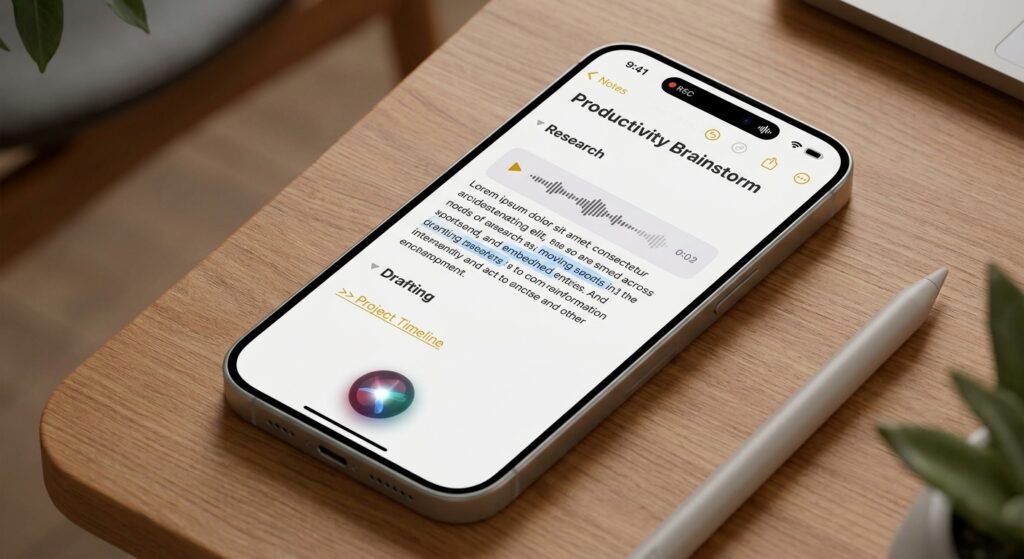
iPhone using Siri voice notes for productivity brainstorming and research
For workflow cleanup, Apple Notes is useful because it combines capture and retrieval. The same note can hold a recording, transcript, document scan, checklist, and follow-up link.
The Power of Centralized Data Management
Consolidating your workflow keeps vital background details directly tied to each project. Users can preserve voice tracks, generated transcripts, actionable tasks, and attached paperwork within a unified document rather than distributing them across multiple third-party tools.
This unified structure makes Apple Notes AI capabilities ideal for individuals managing high volumes of information who want to avoid the friction of over-engineered knowledge systems.
Key Highlights
- Direct Audio Recording: Capture meetings and personal memos straight into any note canvas.
- Searchable Transcripts: Automatically convert voice recordings into fully searchable text logs.
- AI Text Summarization: Generate concise outlines of lengthy transcripts and documents on supported Apple Intelligence hardware.
- Folding Headings: Collapse detailed project sections to keep long notes readable and easy to scan.
- Interlinked Notes: Create bidirectional links between related meetings, research files, and action lists.
- Contextual Search & Siri: Quickly locate entries using natural topics, scanned text, or remembered details.
- Integrated Scanner: Store physical paper receipts, forms, and handwritten pages alongside digital notes.
- Protected Entries: Secure sensitive business data and personal records using biometric lock protection.
- Scalable Structure: Combining headers with internal links builds a long-term information library.
Related Reading: What Did Tim Cook Share in His Final Memo as Apple CEO?
System Compatibility and Hardware Support
-
Standard Organization Features: Foundation tools—including voice capture, live transcription, folding headers, document scanning, inter-note linking, and file locking—are available across modern iOS, iPadOS, and macOS releases.
-
Apple Intelligence Features: Advanced automated summaries and context-aware Siri interactions require devices built to run Apple Intelligence. Verify your hardware capabilities before building a routine around automated summarization.
How to Capture Audio and Transcripts in Apple Notes
Convert Spoken Words into Searchable Text
Create or open an existing entry, select the attachment icon or plus menu, and start recording audio. Once finalized, the system generates a transcript, making the spoken dialogue instantly searchable and reviewable.
Streamline Lectures and Meetings
For professional discussions, interviews, and academic lectures, this capability stands out as one of the most effective Apple Notes AI enhancements, converting spoken conversations into actionable text for easy organization.
Protecting Sensitive Personal and Work Data
Implement Security Habits
Advanced digital features demand intentional privacy precautions. Financial statements, confidential contracts, and personal records should be locked using face or passcode security whenever notes contain sensitive material.
Follow Apple’s password protection setup guide to secure individual files.
Adopt a Simple Structural Template
Users relying on Apple Notes AI features should establish a standardized outline for every project:
- Context Header: Project overview and initial background details.
- Action Items: To-do lists and immediate tasks.
- Reference Materials: Attached scans, links, and source documents.
- Next Steps: Follow-up dates and ongoing notes.
Essential Organization Strategies
- Pin Crucial Notes: Keep high-priority project hubs anchored to the top of your notes stream.
- Digitize Physical Files: Scan contract drafts, receipts, and written notebook pages directly into your entries.
- Encrypt Private Records: Restrict access to personal data using device-level security locks.
- Standardize Section Headings: Utilize uniform titles to make extended files simple to fold and scan.
- Connect Related Content: Hyperlink meeting summaries, source files, document scans, and task lists.
Frequently Asked Questions
Can Apple Notes generate text transcripts from audio?
Yes. Modern versions of the Apple Notes app allow users to record spoken audio and automatically produce a searchable transcript directly inside the note.
Are Apple Notes AI features supported on older devices?
No. Basic organizational tools are widely available across modern Apple operating systems, but advanced AI summaries and smart assistant capabilities require hardware compatible with Apple Intelligence.
What is the ideal initial workflow to set up?
A meeting outline or research log is the most effective starting point, as it immediately takes advantage of voice recording, transcript searching, AI summaries, section folding, and linked references.
Bottom Line
Apple Notes AI enhancements deliver the greatest value when they streamline how stored information is accessed and used. Record your audio, generate the transcript, organize with collapsible headers, link related files, scan supporting paperwork, and leverage built-in search whenever you are ready to take action.
Related reading on drakewire.com: The Smart Way to Transfer Everything to iPhone 18; How Do I Make a PDF File on My iPhone?.